
 Global

Providing enhanced support for RICOH products RICOH RemoteConnect Support
With the growing need for customer support in a global workspace, demand is on the rise for remote support solutions. Ricoh has thus introduced RemoteConnect Support with an aim of improving response time and providing better customer satisfaction.


What is RemoteConnect Support?
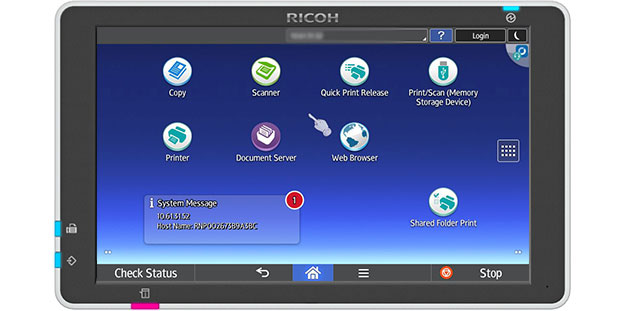
RemoteConnect Support allows a customer support operator to remotely connect with a client’s MFP/Printer device via the Internet using the second-generation Smart Operation Panel.
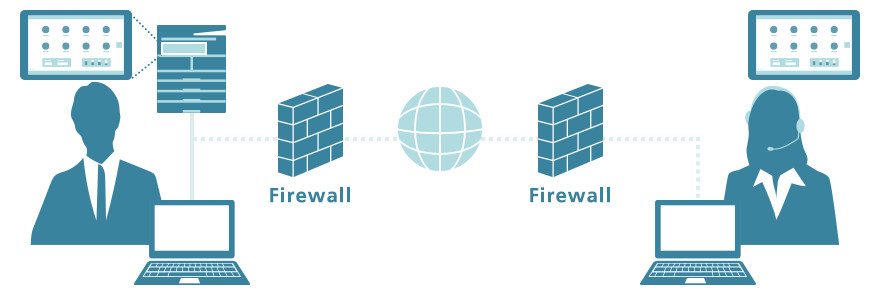
This function enables the support center to diagnose and resolve issues by real-time screen sharing, remote guidance and operation, thereby dramatically reducing the need for field engineer visits.
Detailed information
RemoteConnect Support has many advantages over traditional support.
- The time required for on-site visits is saved, providing faster problem resolution and reduced device downtime.
- Professional operators help customers get the most out of their devices.
An operator can directly operate the customer’s device via the Internet to troubleshoot problems or to instruct customers on device operations. Customers don’t need to prepare a VPN or other special network configuration for this.
Case studies
Issue
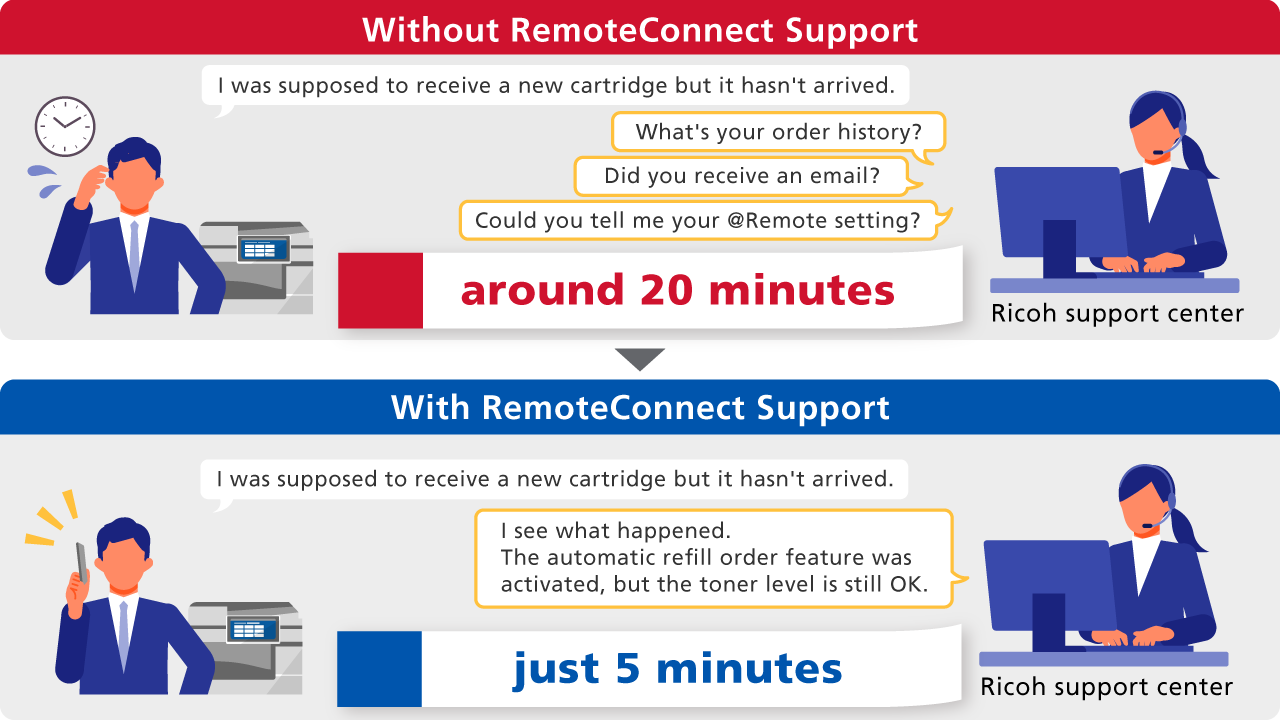
A customer wanted to know if the automatic toner refill/order feature had been activated on their MFP because they didn’t receive a new toner cartridge when they thought one should have come.
Without RemoteConnect Support
The Ricoh support center would have to check the order history, corresponding emails, and @Remote settings, which would have taken around 20 minutes.
With RemoteConnect Support
The Ricoh support center operator activates the device’s Service Program Mode to check the device settings, troubleshooting the issue in just 5 minutes.
Summary
The operator could see that the toner refill/order feature was activated on the customer’s MFP. The customer was informed that a new order hadn’t been made because the toner level was still at almost 60%.
Issue
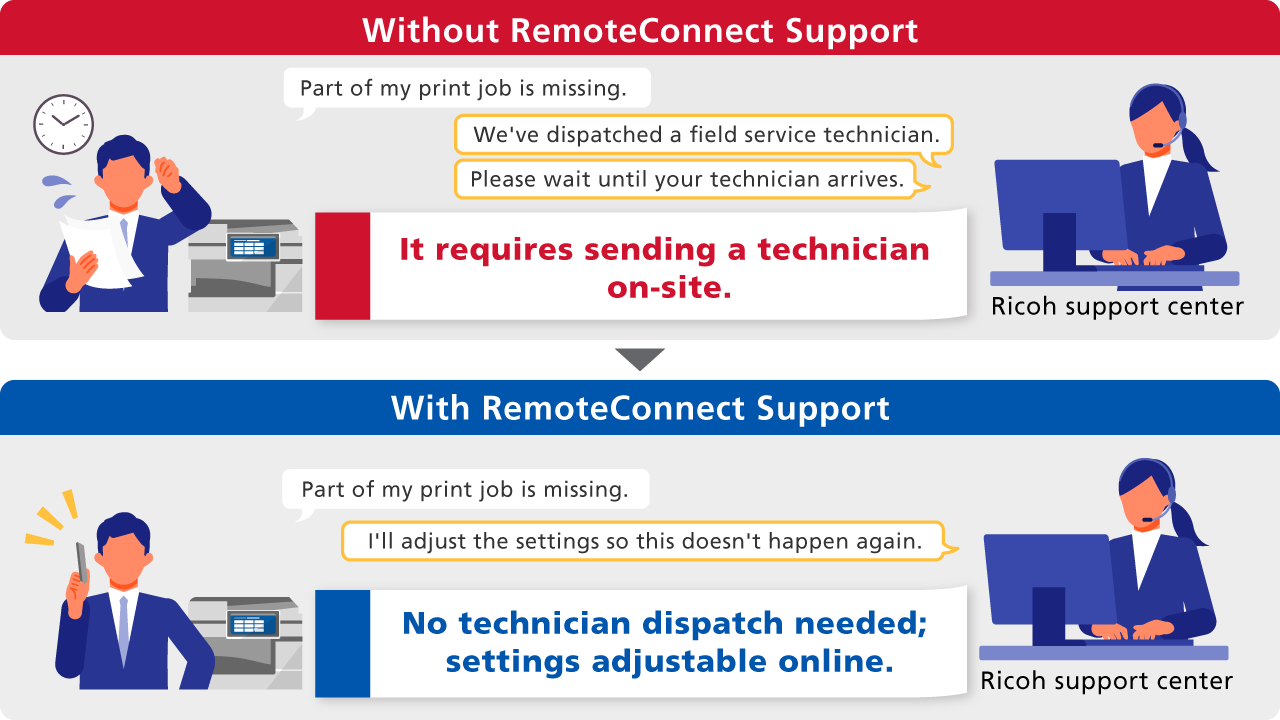
A customer sent a print job of 10 pages but only a single page was printed. No error message was provided.
Without RemoteConnect Support
The Ricoh support center would have to perform a support call first, followed by deploying a field technician to the site to diagnose and resolve the issue.
With RemoteConnect Support
The operator connects to the device and finds jobs in the error log. The issue was caused by a mismatch in paper types, so the operator adjusts the paper settings from the user tool menu.
Summary
The support center avoided deploying a field technician to the site, saving time and cost. The customer received detailed step-by-step instructions with screenshots taken from the operator tool for future reference.